
Strategic PLM Transformation
Document3D redefines Product Lifecycle Management by transforming CAD files into interactive 3D documentation, delivering measurable ROI across industries like aerospace, manufacturing, and energy. With Standard, Pro, and Enterprise tiers, achieve up to 30% faster processes, 40% fewer errors, and 25% higher productivity. Advanced features like XLIFF multilanguage support and Creo integration ensure global scalability and precision, trusted by leaders to reduce time-to-market by 20% and support costs by 15%.
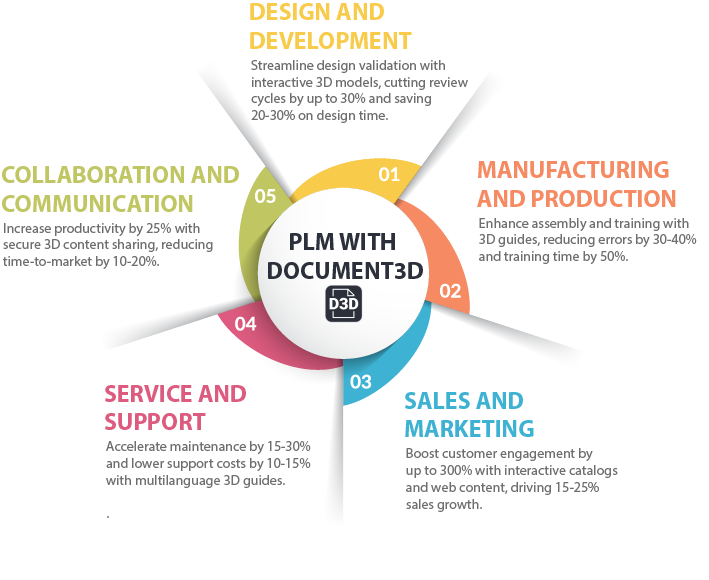
Key Benefits
| Benefit | Value | Stage |
|---|---|---|
| Faster Design Reviews | Up to 30% time savings | Design & Development |
| Fewer Assembly Errors | 30-40% reduction | Manufacturing & Production |
| Increased Engagement | Up to 300% boost | Sales & Marketing |
| Quicker Maintenance | 15-30% faster | Service & Support |
| Enhanced Productivity | 25% improvement | Collaboration & Communication |
"Document3D has become an invaluable tool in our design process, allowing us to communicate complex ideas with clarity and precision." – Mark, Heavy Equipment Manufacturer